01Which platforms do you support?+
Vibetype for Mac is available now. Vibetype Speech to Text for iPhone is on its way to the App Store, and Windows and Android are planned after that. Join the waitlist and we will tell you the moment yours is ready.
02Does it work offline? Do I need an internet connection?+
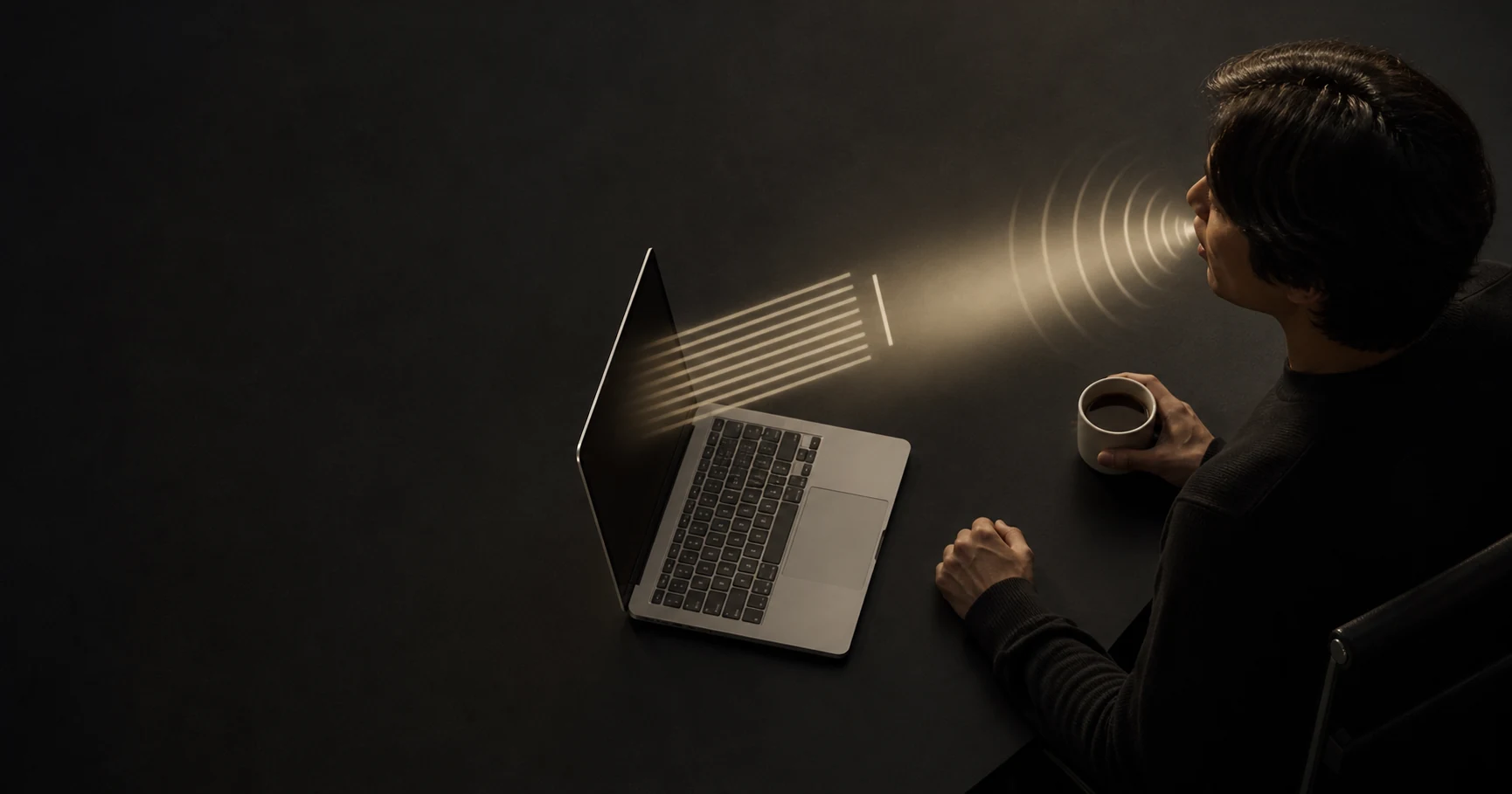
Vibetype for Mac works completely offline. After a quick initial download, it never requires an internet connection for transcription. You can dictate anywhere - even on an airplane - and your audio is never sent to any server. The iPhone app is different: it needs a connection, because it sends your recording to a speech service to be turned into words. Our privacy policy sets out exactly what it sends.
03What are the pricing options?+
We offer both Annual and Lifetime plans. See the pricing page for more details.
04Which languages does it support?+
Vibetype supports over 100 languages, allowing you to dictate naturally in your preferred language.
05Does Vibetype access my clipboard?+
Briefly, to insert text. Vibetype saves your clipboard contents before pasting, then restores them immediately after. Your clipboard is never read for any other purpose.
06Why use Vibetype instead of Apple Dictation?+
Apple Dictation works well for basic use, but processes audio on Apple's servers. Vibetype for Mac runs entirely on-device, works in any app without enabling dictation in system settings, and offers features like transcript history and custom vocabulary - all without an internet connection.
07Why use Vibetype instead of cloud dictation tools?+
Cloud dictation tools typically require constant internet connections and send your audio to remote servers for processing. Vibetype for Mac processes everything on your own machine - no internet required and no audio uploads, so your voice data never leaves your Mac.
08Is local transcription accurate enough?+
Yes. Vibetype uses advanced AI models that deliver incredibly accurate transcription for everyday speech, technical terms, and complex content. It easily rivals leading cloud services, while keeping all processing securely on your Mac.
09How much memory does it use?+
The app itself is very lightweight and runs quietly in the background with minimal resource usage. During active dictation, it uses between 600 MB and 1.7 GB of memory (RAM) depending on the mode you use to process your speech instantly on your device.