Stays private.
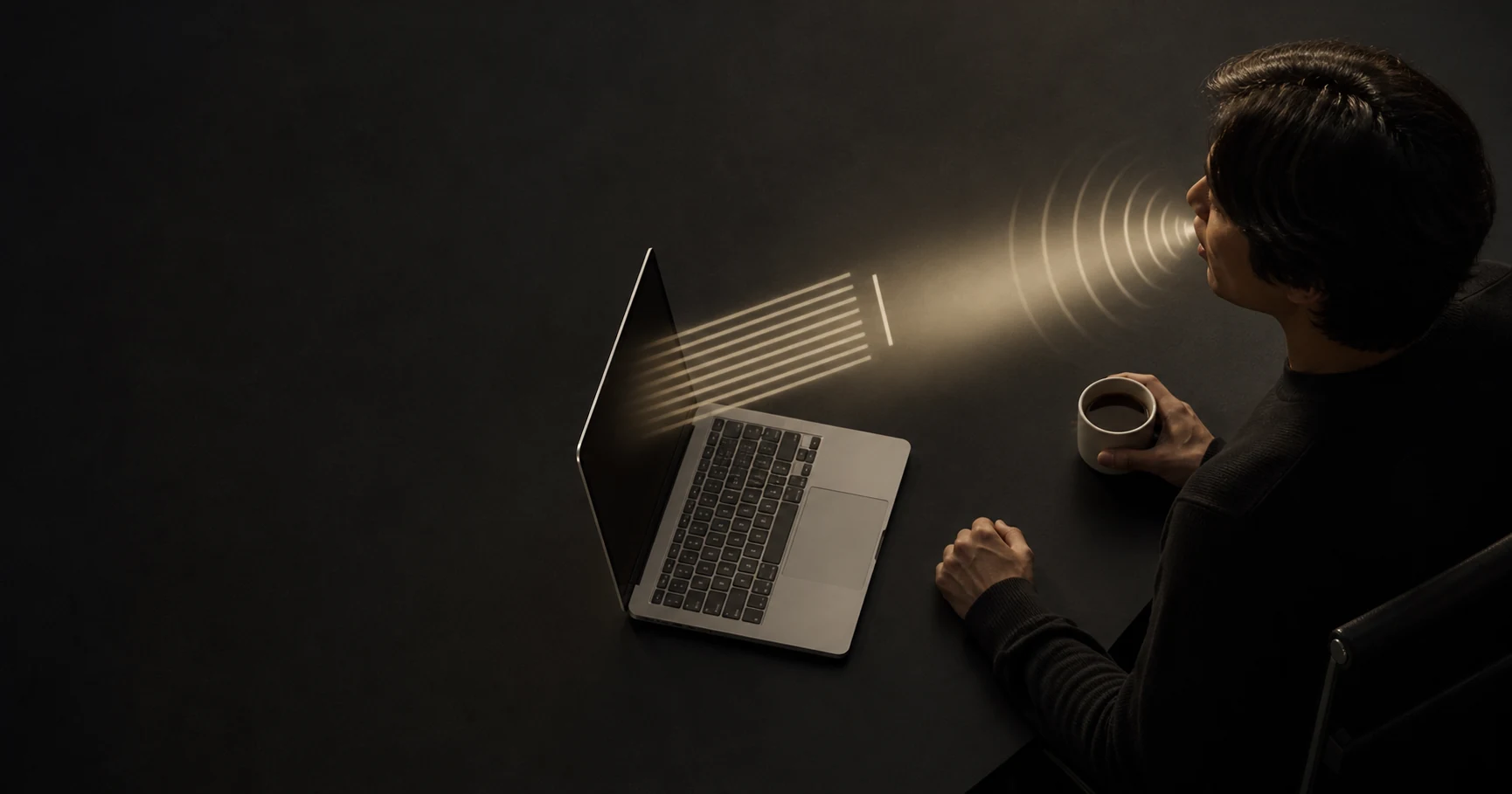
On Mac, your voice and writing are processed on your device, not sent to someone else.
Sign-in, purchases, updates and a count of the words you dictate use the internet. What you say does not.
Speak naturally. VibeType turns rough thoughts into polished writing in any app - without sending your voice to the cloud.
Also on iPhone
Everything that makes voice typing useful - without giving up privacy, paying forever, or teaching the same words twice.
On Mac, your voice and writing are processed on your device, not sent to someone else.
Sign-in, purchases, updates and a count of the words you dictate use the internet. What you say does not.
Choose Lifetime and keep using VibeType without a recurring renewal.
View lifetime pricingCorrect a name or technical term once. VibeType remembers it next time.
Pause, restart, or correct yourself. VibeType turns the messy version into the message you meant.
“Hey Sarah, uh, quick update - we're moving the launch to Thursday. No, actually Friday morning. Can you update the team?”
Hi Sarah,
Quick update: we’re moving the launch to Friday morning. Can you update the team?
Install VibeType, grant access, and start writing with your voice in minutes.
Open the installer and move VibeType to Applications.
Allow microphone and typing access so VibeType can work wherever you write.
Place your cursor anywhere, hold right Option, speak, and release.
VibeType works on Mac and iPhone today, and Android and Windows are coming soon.
Yes, VibeType for Mac works offline without any internet connection; you just need a one-time download.
VibeType for Mac is free to start, with 1,000 words a week. Pro raises that to 6,000, paid monthly, yearly or once for life, and Max has no weekly limit. See the pricing page.
VibeType for Mac works in English. For Hindi, or Hindi mixed with English, use VibeType for iPhone.
Only to paste. VibeType for Mac uses the clipboard to paste your text, then puts back whatever was there before.
VibeType for Mac cleans up what you say, where Apple Dictation types it as spoken. It removes filler words and false starts, remembers the names you correct, and keeps a history of your dictations.
VibeType for Mac turns your speech into text on your Mac, so your voice never leaves it and you need no internet connection. Cloud dictation tools upload your recording to their servers.
VibeType for Mac is accurate for everyday speech, names and technical terms. Correct a word once and it gets it right next time.
VibeType for Mac uses little memory in the background, and between 600 MB and 1.7 GB while you dictate.
Yes, VibeType for iPhone works offline in English, after a one-time download it does by itself over Wi-Fi. Offline, your words are typed as you said them rather than tidied up.
VibeType for iPhone is free to start, with 1,000 words a week. Pro raises that to 6,000 and Max has no weekly limit, bought in the app monthly, yearly, or Pro once for life. See the pricing page.
Yes. Tap the AI button on the VibeType for iPhone keyboard and say what you want: a reply, a rewrite of the text you selected, or a new email.
VibeType for iPhone works in English and Hindi, even mixed in one sentence. Hindi is written in Roman letters unless you choose Devanagari.
VibeType for iPhone doesn't save your recordings or your text, except what your writing profile learns from, which you can see or delete in Settings. The speech service may keep part of a recording to improve its models. Details are in the privacy policy.
VibeType for iPhone keeps your dictation history on your phone, with a copy in your iCloud so it moves to a new iPhone. You can turn the iCloud copy off in Settings.
iOS doesn't let a keyboard use the microphone, so the VibeType keyboard needs Full Access to work with the VibeType app, which records for it. Full Access also lets the AI button read the text around your cursor when you tap it. VibeType never reads what you type on other keyboards.
The orange dot shows VibeType for iPhone has the microphone ready to dictate. Nothing is recorded until you press the dictation button, and you can turn this off under Ready to dictate in Settings.
VibeType for Android is coming soon to Google Play. Open tryvibetype.com on your Android phone to join the waitlist, and we'll email you the day it's out.
No, VibeType for Android needs an internet connection. With no signal, it saves your recording and sends it when you're back online, so nothing is lost.
VibeType for Android is free to start, with 1,000 words a week. Pro raises that to 6,000 and Max has no weekly limit, bought through Google Play monthly, yearly, or Pro once for life. See the pricing page.
Yes, on Android 13 and later. Turn on VibeType's floating mic and it appears above Gboard or whichever keyboard you use.
Yes. Tap the AI button on the VibeType for Android keyboard and say what you want: a reply, a rewrite of the text you selected, or an email from a few words.
VibeType for Android works in English and Hindi, even mixed in one sentence. Hindi is written in Roman letters unless you choose Devanagari.
VibeType for Android doesn't save your recordings or your text, and what it learns from your corrections stays on your phone. The speech service may keep part of a recording to improve its models. Details are in the privacy policy.
VibeType for Android keeps up to 5,000 dictations on your phone, and includes them in your phone's Google backup when that backup is encrypted.
VibeType for Windows is coming soon, with no release date yet. Open tryvibetype.com on your Windows computer to join the waitlist, and we'll email you when it's ready.
VibeType never sells what you dictate or uses it to train AI. VibeType's privacy policy sets out what each app sends and keeps.